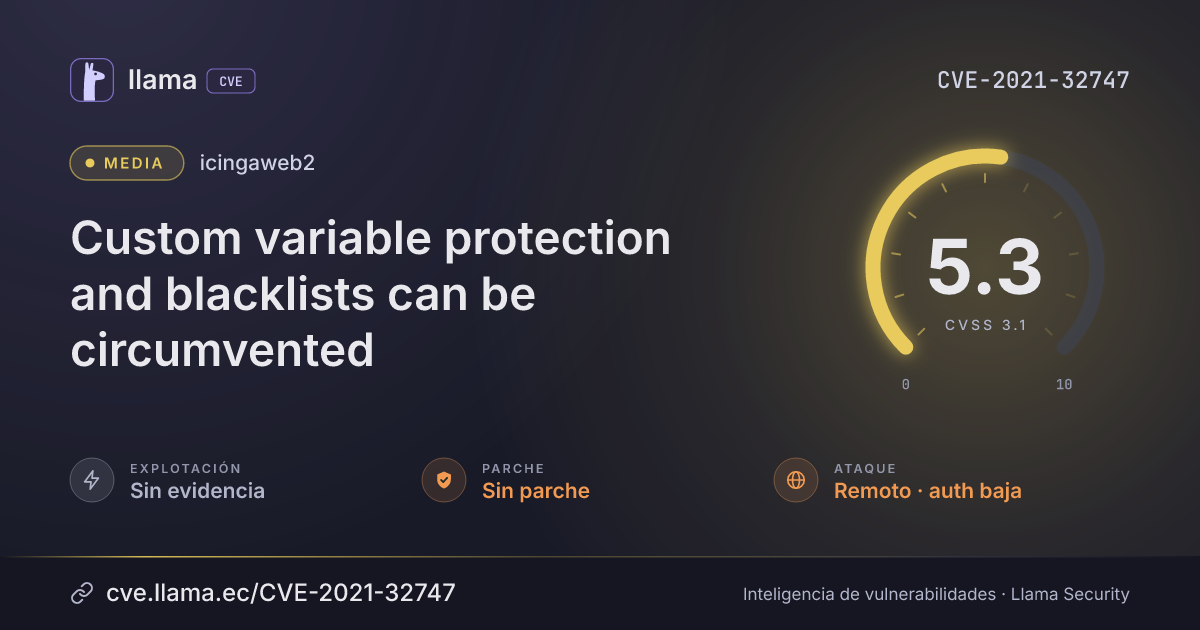
CVE-2021-32747
Custom variable protection and blacklists can be circumvented
CVSS:3.1/AV:N/AC:H/PR:L/UI:N/S:U/C:H/I:N/A:N
Fuente: CNA
Ciclo de vida de la vulnerabilidad
| Fecha | Fase | Evento | Detalle |
|---|---|---|---|
| Divulgación | Publicada | CVE-2021-32747 divulgada · CVSS 5.3 (CNA) | |
| Divulgación | Modificada | Última actualización del registro | |
| Monitoreo | Detectada | Ingresó al índice |
Icinga Web 2 is an open source monitoring web interface, framework, and command-line interface. A vulnerability in which custom variables are exposed to unauthorized users exists between versions 2.0.0 and 2.8.2. Custom variables are user-defined keys and values on configuration objects in Icinga 2. These are commonly used to reference secrets in other configurations such as check commands to be able to authenticate with a service being checked. Icinga Web 2 displays these custom variables to logged in users with access to said hosts or services. In order to protect the secrets from being visible to anyone, it's possible to setup protection rules and blacklists in a user's role. Protection rules result in `***` being shown instead of the original value, the key will remain. Backlists will hide a custom variable entirely from the user. Besides using the UI, custom variables can also be accessed differently by using an undocumented URL parameter. By adding a parameter to the affected routes, Icinga Web 2 will show these columns additionally in the respective list. This parameter is also respected when exporting to JSON or CSV. Protection rules and blacklists however have no effect in this case. Custom variables are shown as-is in the result. The issue has been fixed in the 2.9.0, 2.8.3, and 2.7.5 releases. As a workaround, one may set up a restriction to hide hosts and services with the custom variable in question.
Desglose de métricas
Rangos afectados
Estado del parche por paquete
| Paquete / producto | Estado | Corregida en | Desde divulgación | Última versión |
|---|---|---|---|---|
icingaweb2 |
Sin parche | — | — | — |
Arsenal público
Sin exploits, módulos ni PoC públicos conocidos a la fecha de verificación.
https://github.com/Icinga/icingaweb2/security/advisories/GHSA-2xv9-886q-p7xxhttps://github.com/Icinga/icingaweb2/releases/tag/v2.7.5https://github.com/Icinga/icingaweb2/releases/tag/v2.8.3https://github.com/Icinga/icingaweb2/releases/tag/v2.9.0Las referencias externas se muestran para copiar: cve.llama.ec no lo redirige a otros sitios.