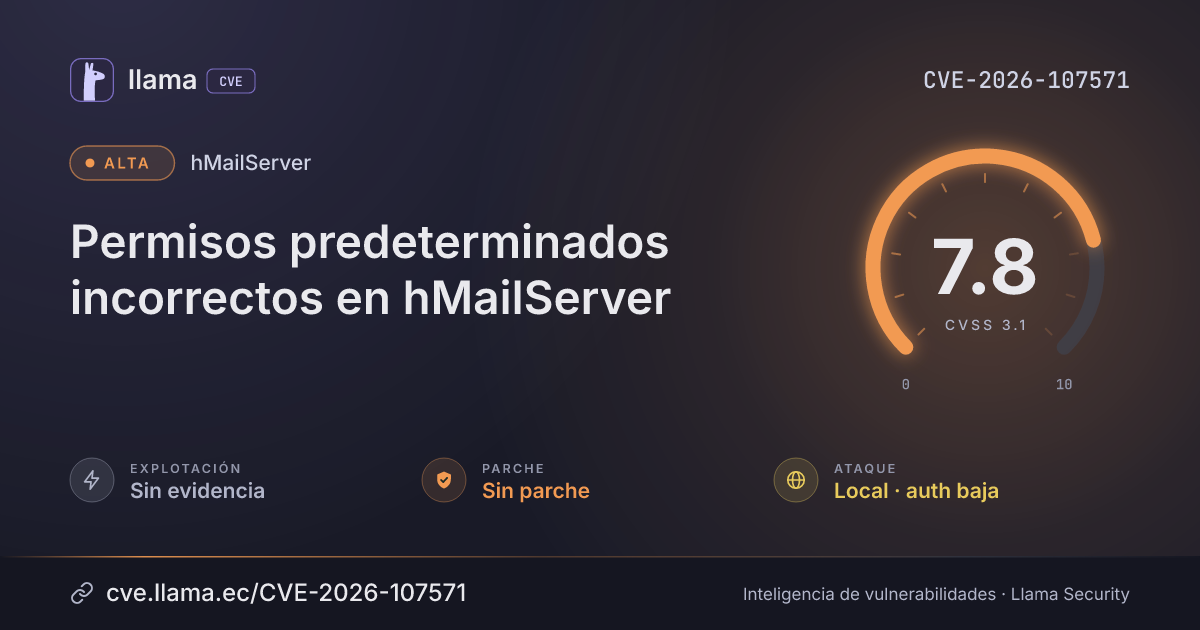
Los permisos predeterminados incorrectos en el instalador para Windows de Progressive Robot hMailServer 6.0.0 hasta 6.3.6 permiten que un usuario local autenticado ejecute código con las cuentas de alto privilegio del servidor de correo cuando el producto se instala en una carpeta cuyos permisos se heredan de un directorio superior con permiso de escritura, como la raíz de una unidad. El instalador coloca los programas del servidor en la carpeta Bin dentro de la carpeta del programa y no asigna permisos propios ni a la carpeta del programa ni a Bin, por lo que heredan los del directorio superior. En la ubicación predeterminada, Program Files, los usuarios comunes solo reciben permisos de lectura y ejecución, y la configuración no se ve afectada; sin embargo, el instalador acepta cualquier ruta sin advertencia, y una carpeta del programa en la raíz de un volumen NTFS hereda permisos de escritura para un grupo amplio: Authenticated Users (Modify) en un cliente Windows, y Users (crear archivos y carpetas) en Windows Server. Un usuario local sin derechos de administrador puede entonces modificar o reemplazar el programa del servicio, que se ejecuta como LocalSystem o como la cuenta virtual del servicio, o los programas que un administrador ejecuta con privilegios elevados desde Bin durante la instalación y el mantenimiento, o colocar una biblioteca en Bin que esos programas carguen en lugar de la copia del sistema, obteniendo ejecución de código con esos privilegios. La instalación predeterminada en Program Files no se ve afectada.
Registro
EscenarioGENERALGitLab
solutionUpgrade to hMailServer 6.3.7. Its hMailServer.exe /ProtectFolders, which setup runs at the end of every server installation and upgrade, gives the program folder, Bin and ControlPanel SYSTEM and the Administrators full control and Users read and execute (where every user could read the folder), nothing inherited, and, where another account owned one of them, makes the Administrators its owner and takes away that folder's own entries that let others change it; setup also gives a program folder it creates those permissions before it copies anything into it, and hardens, before its files, the existing folder of an installation of the Control Panel alone. 6.3.7 does not yet create a new program folder with those permissions already in place, harden the folder before setup's own steps on an upgrade, a repair or a server installation into a folder that already existed, refuse a link or junction on the program folder's path (it is logged), or list the files in Bin and ControlPanel by owner. Before upgrading an affected installation, or until it is upgraded, follow from an elevated Command Prompt the steps in the hMailServer documentation, ServiceAccount.md, "Before upgrading an installation at a drive's root": first note who owns the program folder and what is directly in it (dir /q /a "<folder>") and everything in Bin, ControlPanel, Events, WebAdmin, DBScripts, Addons and Languages (dir /q /s /a); then, for the program folder, then Bin, then ControlPanel, make the Administrators its owner (icacls "<folder>" /setowner *S-1-5-32-544, the folder alone, without /T); take away every entry of the folder's own but SYSTEM's, the Administrators' and deny entries, one account a line (icacls "<folder>" /remove:g: the Users' and the service's by their SIDs, the service's only where the server is installed; the two application package groups by theirs, *S-1-15-2-1 and *S-1-15-2-2; anybody else's by the name icacls lists; and an entry icacls lists by a SID that names no account with the documentation's PowerShell line); replace what it inherits (icacls "<folder>" /inheritance:r /grant:r *S-1-5-18:(OI)(CI)F *S-1-5-32-544:(OI)(CI)F *S-1-5-32-545:(OI)(CI)RX); and on Bin and ControlPanel, where the server is installed, give the service account back its read and execute - each icacls line reporting "Successfully processed 1 files"; or move the installation under Program Files. Reinstall the programs into a new folder that only the administrators may change, not over the installation, where accounts that are not administrators could sign in while the installation was exposed, where another account made the program folder or could change it before the installation, where anybody but SYSTEM, the Administrators or TrustedInstaller owned the program folder, a file directly in it, or Bin, ControlPanel, Events, WebAdmin, DBScripts, Addons or Languages or anything in them, or where one of the three folders had an entry of its own that let another account change it, or one the steps could not take away: setup leaves in place every file it does not ship, and puts the event script, which the service runs, and the scripts in Addons only where none is there, so read the old event script before copying it. Setup run into a folder without a settings file sets up a new, empty server there, so the settings file and the data go into the new folder first (ServiceAccount.md, "Reinstalling into a new folder"): stop the service and run nothing from the old folder, its uninstaller included; copy, not move, the mail, the built-in database's folder and the settings file into the new folder, the copies kept private; read the copy of the settings file, deleting its AdministratorPassword and each [Directories] line with a path in the old folder; then, with a 32-bit installation's uninstall entry taken away, run the release's setup with the new folder; read in the new Control Panel the programs the database's settings name, make the REST API's keys again, change each path the datGitLab