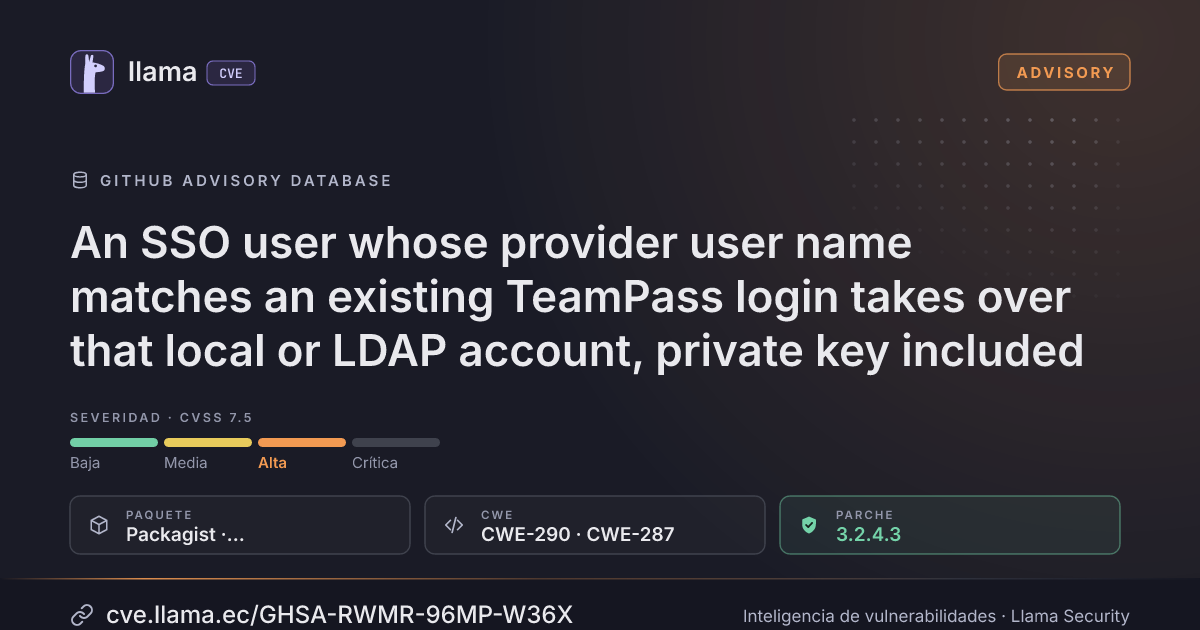
GHSA-RWMR-96MP-W36X
An SSO user whose provider user name matches an existing TeamPass login takes over that local or LDAP account, private key included
CVSS:3.1/AV:N/AC:H/PR:L/UI:N/S:U/C:H/I:H/A:H
Fuente: GitHub
Ciclo de vida de la vulnerabilidad
| Fecha | Fase | Evento | Detalle |
|---|---|---|---|
| Divulgación | Publicada | GHSA-RWMR-96MP-W36X divulgada · CVSS 7.5 (GitHub) | |
| Monitoreo | Detectada | Ingresó al índice | |
| Monitoreo | Verificada | Última verificación contra las fuentes |
Summary
When OAuth2 single sign-on is enabled, TeamPass locates the account of an SSO user by the identity provider's user name alone, and converts a local or LDAP account holding the same login to OAuth2. A provider user whose user name maps to another person's TeamPass login is therefore signed in to that person's account. Since 3.1.5.0, transparent key recovery also re-encrypts the account's private key for the newcomer, who can then read every item the account can read.
Details
Paths and line numbers are those of 3.2.4.2.
- The TeamPass login of an SSO user is the part of the provider's user name before `@`: the Microsoft Entra ID UPN, or `preferred_username` for a generic OpenID Connect provider (`app/core/login.php:102-105`). No column of the `users` table stores the provider's identifier (Entra object id, OpenID Connect `iss` + `sub`).
- `isOauth2LoginBoundToUser()` (`app/sources/identify.php:3551`) checks that the submitted login equals the user name of the provider session: a comparison of names, not of identities.
- `shouldUserAuthWithOauth2()` (`:3561`) accepts any existing `local` or `ldap` account located with that login. It writes `auth_type = 'oauth2'` (`:3610`) and returns `userPasswordVerified = true`.
- `checkOauth2User()` (`:3665`) then replaces `users.pw` with a hash of the value the login page derives from the newcomer's own provider id (`:3808-3815`), and calls `handleExternalPasswordChange()` (`:3819`). When the account holds a key recovery backup, `attemptTransparentRecovery()` (`app/sources/main.functions.php:6402`) decrypts its private key with the instance key and re-encrypts it with that value. The "previous password" dialog only appears for an account without recovery data.
- The second factor is checked after these steps.
An `ldap` account is reachable only while LDAP authentication is disabled: with LDAP enabled, the LDAP bind runs first on that account and fails.
Impact
An attacker who holds an account at the identity provider, allowed to use the TeamPass application, with a user name that maps to the victim's TeamPass login:
- gets a TeamPass session on the victim's account, with its roles, folders and rights;
- since 3.1.5.0, when the account holds a key recovery backup, opens its private key: every item the victim can read, personal items included. On 3.1.2 to 3.1.4.x, TeamPass asks for the previous password to open the key;
- locks the victim out: the account is now an OAuth2 account, and its password is the value the attacker's sign-in derived.
When the account must use a second factor, the session is opened only if the attacker passes that step. The conversion, the password replacement and the key re-encryption have already happened by then.
Who can be the attacker:
- Generic OpenID Connect provider (authentik, Keycloak…) whose users can choose or change their own user name, for example through open enrollment or a self-service profile page: any such user can take the login of an existing TeamPass account. The generic provider path is fully usable since 3.2.4.2.
- Microsoft Entra ID: UPNs are assigned by the directory administrators. In a tenant with several domains, `jdoe@a.example` and `jdoe@b.example` both sign in as the TeamPass login `jdoe`. A B2B guest UPN carries `#EXT#` in its local part and cannot collide.
Proof of concept
- Create a local TeamPass account `jdoe` that holds items and a key recovery backup.
- Configure OAuth2 with an OpenID Connect provider whose users may edit their user name. As a provider user `mallory`, change the user name to `jdoe`.
- Sign in to TeamPass with the SSO button as that user. The session of `jdoe` opens and its items decrypt; `SELECT auth_type FROM teampass_users WHERE login = 'jdoe'` returns `oauth2`, and `jdoe` can no longer sign in with their password.
Patches
Fixed in 3.2.4.3. Each account now stores `oauth2_identity`, a SHA-256 of the issuer key and the subject: the Entra object id under the fixed issuer key `entra`, or the OpenID Connect `iss` + `sub` pair. The sign-in checks it before changing anything and refuses a different identity. An account that is not bound yet is bound only once the whole sign-in, second factor included, has succeeded. Converting an existing local or LDAP account now requires the new setting *Link existing accounts at their first SSO sign-in* (OAuth page): the upgrade enables it on installations whose OAuth2 endpoint is Microsoft Entra ID, which relied on the conversion, and disables it everywhere else. A renamed UPN is refused instead of creating a second account. Refusals and bindings are written to the Logs page; the Users page gains a *Release the SSO identity link* action. A generic provider whose UserInfo `sub` differs from the ID token is refused.
Workarounds
- Until you upgrade, make sure users cannot choose or change their user name at the identity provider, and restrict the TeamPass application to the users allowed to use it.
- With Entra ID and several domains, check that no two users allowed to use the application share the part of their UPN before `@`.
- Or disable OAuth2 on the OAuth page.
After upgrading, keep *Link existing accounts at their first SSO sign-in* disabled when users can choose their user name at the provider. An account showing `auth_type = 'oauth2'` although its owner never used SSO was reached this way: review it with its owner, set its authentication type and password back, and generate new encryption keys for it, since its private key was re-encrypted with a value the attacker knows.
Incluye detalles técnicos publicados por el investigador. Úselos solo para validar y corregir sus propios sistemas.
Desglose de métricas
Rangos afectados
Estado del parche por paquete
| Paquete / producto | Estado | Corregida en | Desde divulgación | Última versión |
|---|---|---|---|---|
Packagistnilsteampassnet/teampass |
Corregida | 3.2.4.3 | — | — |
3.2.4.3Arsenal público
Sin exploits, módulos ni PoC públicos conocidos a la fecha de verificación.
https://github.com/nilsteampassnet/TeamPass/security/advisories/GHSA-rwmr-96mp-w36xLas referencias externas se muestran para copiar: cve.llama.ec no lo redirige a otros sitios.