Exposición9 dDesde la divulgación, 11 nov 2026, 2:39 p. m.
Detección8 minDesde la divulgación hasta su ingreso al índice
Decisión SSVCSeguir
Remediar en la ventana regular de mantenimiento
Sin explotación conocida, no automatizable e impacto técnico parcial. Hay versiones corregidas disponibles.
Timeline
Ciclo de vida de la vulnerabilidad
Hoy
Divulgación
Publicada
Evaluación SSVC +1
Explotación
Remediación
Monitoreo
Detectada +1
Fuente: ENISA EUVD
Verificada
11 nov 26
13 nov 26
16 nov 26
21 nov 26
11 nov 26
14 nov 26
16 nov 26
18 nov 26
21 nov 26
Fecha
Fase
Evento
Detalle
Divulgación
Publicada
CVE-2026-0329 divulgada · CVSS 4.6 (CNA)
Monitoreo
Detectada
Ingresó al índice
Monitoreo
Fuente: NIST NVD
Registro visto por primera vez en NIST NVD
Divulgación
Evaluación SSVC
CISA-ADP · explotación ninguna
Divulgación
Modificada
Última actualización del registro
Monitoreo
Fuente: ENISA EUVD
Registro visto por primera vez en ENISA EUVD
Monitoreo
Verificada
Última verificación contra las fuentes
Resumen
Resumen generado por IA · CC-BY 4.0 · 11 nov 2026
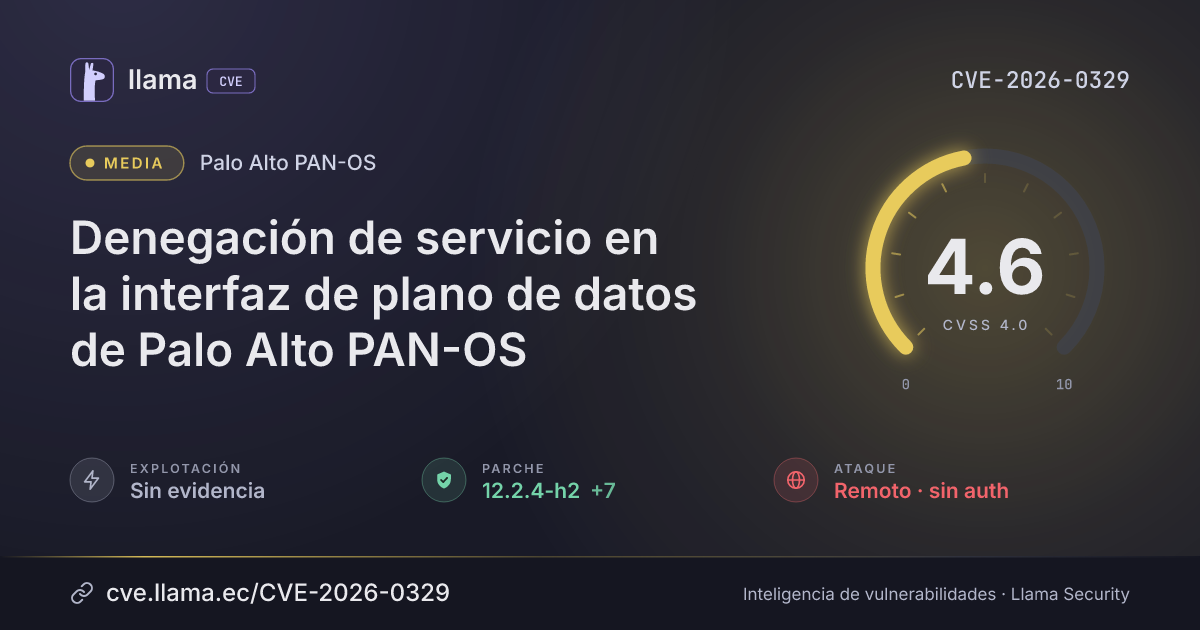
A buffer overflow in Palo Alto Networks PAN-OS software lets an unauthenticated attacker with network access cause a denial of service (DoS) condition by sending specially crafted network traffic to or through a dataplane interface. Attackers can reach it remotely over the network without logging in, and no user action is needed.
Descripción original del registro (palo_alto)
A buffer overflow vulnerability in Palo Alto Networks PAN-OS® software enables an unauthenticated attacker with network access to cause a denial of service (DoS) condition by sending specially crafted network traffic to or through a dataplane interface.
Cloud NGFW and Panorama are not affected by this vulnerability.
Vector CVSS 4.0
Desglose de métricas
Opción resaltada = valor del vector · izquierda = peor caso · CNA
Sin exploits, módulos ni PoC públicos conocidos a la fecha de verificación.
Registro
EscenarioGENERALpalo_alto
configurationCustomers are impacted only if the following conditions are true:
* An active IKE Gateway uses certificate-based authentication with CRL or OCSP revocation checking enabled, or
* A DNS Proxy object is configured and enabled on the firewall.
VERIFY IKE GATEWAY AUTHENTICATION AND CERTIFICATE PROFILE:
* Navigate to Network > Network Profiles > IKE Gateways (https://docs.paloaltonetworks.com/ngfw/help/10-2/network/network-network-profiles/network-network-profiles-ike-gateways).
* Click on your active IKE Gateway name to open the configuration.
* Under the General tab:
* Verify Authentication is set to Certificate.
* Confirm that a Certificate Profile is assigned.
VERIFY CRL AND OCSP CHECKING ON THE CERTIFICATE PROFILE:
* Navigate to Device > Certificate Management > Certificate Profile (https://docs.paloaltonetworks.com/ngfw/help/10-2/device/device-certificate-management-certificate-profile).
* Click on the Certificate Profile identified in the previous step.
* Under the profile settings, verify if:
* Use CRL is enabled or
* Use OCSP is enabled.
VERIFY DNS PROXY STATUS:
* Navigate to Network > DNS Proxy (https://docs.paloaltonetworks.com/ngfw/help/10-1/network/network-dns-proxy).
* Review all configured DNS Proxy objects.
* Click to open each DNS Proxy object and verify whether the Enable checkbox is selected.palo_alto
MitigaciónCustomers with a Threat Prevention subscription are provided with limited coverage against this vulnerability by enabling Threat ID 510051 and 510052 (from Applications and Threats content version 9171-10349 and later). For these Threat IDs to protect against attacks for this vulnerability:
* Route incoming traffic for the MGT port through a DP port (https://docs.paloaltonetworks.com/best-practices/10-1/administrative-access-best-practices/administrative-access-best-practices/deploy-administrative-access-best-practices#id59206398-3dab-4b2f-9b4b-7ea500d036ba), e.g., enabling management profile on a DP interface for management access.
* Replace the Certificate for Inbound Traffic Management (https://docs.paloaltonetworks.com/best-practices/10-1/administrative-access-best-practices/administrative-access-best-practices/deploy-administrative-access-best-practices#id112f7714-8995-4496-bbf9-781e63dec71c).
* Decrypt inbound traffic to the management interface so the firewall can inspect it. (https://docs.paloaltonetworks.com/best-practices/10-1/administrative-access-best-practices/administrative-access-best-practices/deploy-administrative-access-best-practices#idbbd82587-17a2-42b4-9245-d3714e1e13a2)
* Enable threat prevention on the inbound traffic to management services.
Please note that this Threat ID requires SSL Decryption.
Customers can mitigate the risk of this issue by taking the following actions.
Disable CRL and OCSP Revocation Checking:
* Navigate to Device > Certificate Management > Certificate Profile (https://docs.paloaltonetworks.com/ngfw/help/10-2/device/device-certificate-management-certificate-profile).
* Click on the Certificate Profile assigned to the active IKE Gateway.
* Uncheck Use CRL.
* Uncheck Use OCSP.
* Click OK and Commit the changes.
Disable configured DNS proxy objects:
* Navigate to Network > DNS Proxy (https://docs.paloaltonetworks.com/ngfw/help/10-1/network/network-dns-proxy).
* Click on each configured DNS Proxy object.
* Uncheck the Enable checkbox.
* Click OK and Commit the changes.palo_alto
solutionVERSION MINOR VERSION SUGGESTED SOLUTION
Cloud NGFW No action needed.
PAN-OS 12.2 12.2.0 through 12.2.4-h* Upgrade to 12.2.4-h2 or later.
PAN-OS 12.1 12.1.8 through 12.1.10-h* Upgrade to 12.1.10-h4 or later.
12.1.5 through 12.1.7-h* Upgrade to 12.1.7-h12 or later.
12.1.2 through 12.1.4-h* Upgrade to 12.1.4-h14 or later.
PAN-OS 11.2 11.2.15 through 11.2.16-h* Upgrade to 11.2.16-h2 or later.
11.2.11 through 11.2.13-h* Upgrade to 11.2.13-h5 or 11.2.16-h2 or later.
11.2.8 through 11.2.10-h* Upgrade to 11.2.10-h18 or 11.2.16-h2 or later.
11.2.5 through 11.2.7-h* Upgrade to 11.2.7-h24 or 11.2.16-h2 or later.
11.2.0 through 11.2.4-h* Upgrade to 11.2.4-h24 or 11.2.16-h2 or later.
PAN-OS 11.1 11.1.14 through 11.1.16-h* Upgrade to 11.1.16-h5 or later.
11.1.11 through 11.1.13-h* Upgrade to 11.1.13-h17 or 11.1.16-h5 or later.
11.1.8 through 11.1.10-h* Upgrade to 11.1.10-h37 or 11.1.16-h5 or later.
11.1.7 through 11.1.7-h* Upgrade to 11.1.7-h13 or 11.1.16-h5 or later.
11.1.5 through 11.1.6-h* Upgrade to 11.1.6-h41 or 11.1.16-h5 or later.
11.1.0 through 11.1.4-h* Upgrade to 11.1.4-h39 or 11.1.16-h5 or later.
PAN-OS 10.2 10.2.17 through 10.2.18-h* Upgrade to 10.2.18-h14 or later.
10.2.14 through 10.2.16-h* Upgrade to 10.2.16-h13 or 10.2.18-h14 or later.
10.2.11 through 10.2.13-h* Upgrade to 10.2.13-h28 or 10.2.18-h14 or later.
10.2.8 through 10.2.10-h* Upgrade to 10.2.10-h43 or 10.2.18-h14 or later.
10.2.0 through 10.2.7-h* Upgrade to 10.2.7-h40 or 10.2.18-h14 or later.
All older Upgrade to a supported fixed version.
unsupported
PAN-OS versions
Prisma Access 12.1 12.1.2 through 12.1.10-h* Upgrade to 12.1.10-h4 or later.
Prisma Access 11.2 11.2.0 through 11.2.7-h* Upgrade to 11.2.7-h24 or later.
Prisma Access 10.2 10.2.0 through 10.2.10-h* Upgrade to 10.2.10-h43 or later.
* See the note under Product Status for information regarding Prisma Access upgrades.palo_alto
Usamos cookies propias estrictamente necesarias para que el sitio funcione y sea seguro. Con tu permiso, también usamos almacenamiento local para recordar tus preferencias y medir el uso del sitio de forma agregada. Puedes aceptar, rechazar o configurar cada categoría, y cambiar tu decisión cuando quieras desde el enlace “Preferencias de cookies” del pie de página. Más información
Preferencias de cookies
Elige qué permites
Solo usamos tecnologías propias de este dominio. Sin publicidad ni rastreadores de terceros. Detalle en la Política de cookies.